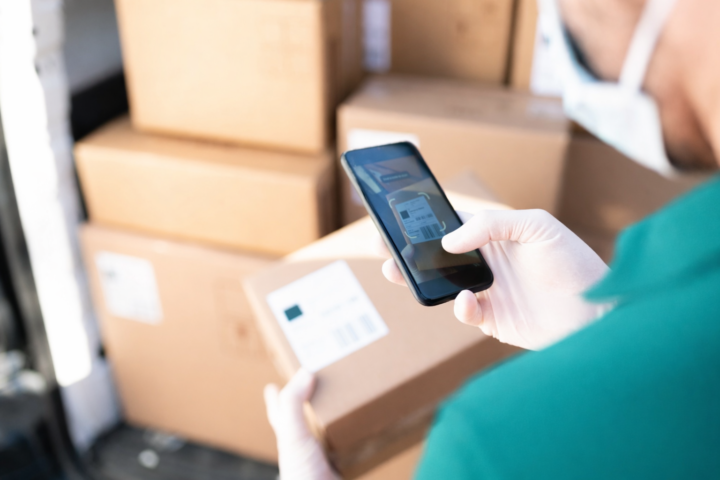
When making deliveries or collecting goods, it’s not always possible for your drivers to park directly in front of the building where they’re making the stop.
For example, it could be that there are parking restrictions in place on that particular road, or it’s a pedestrianised street, or even that it’s simply not suitable for a particular vehicle type.
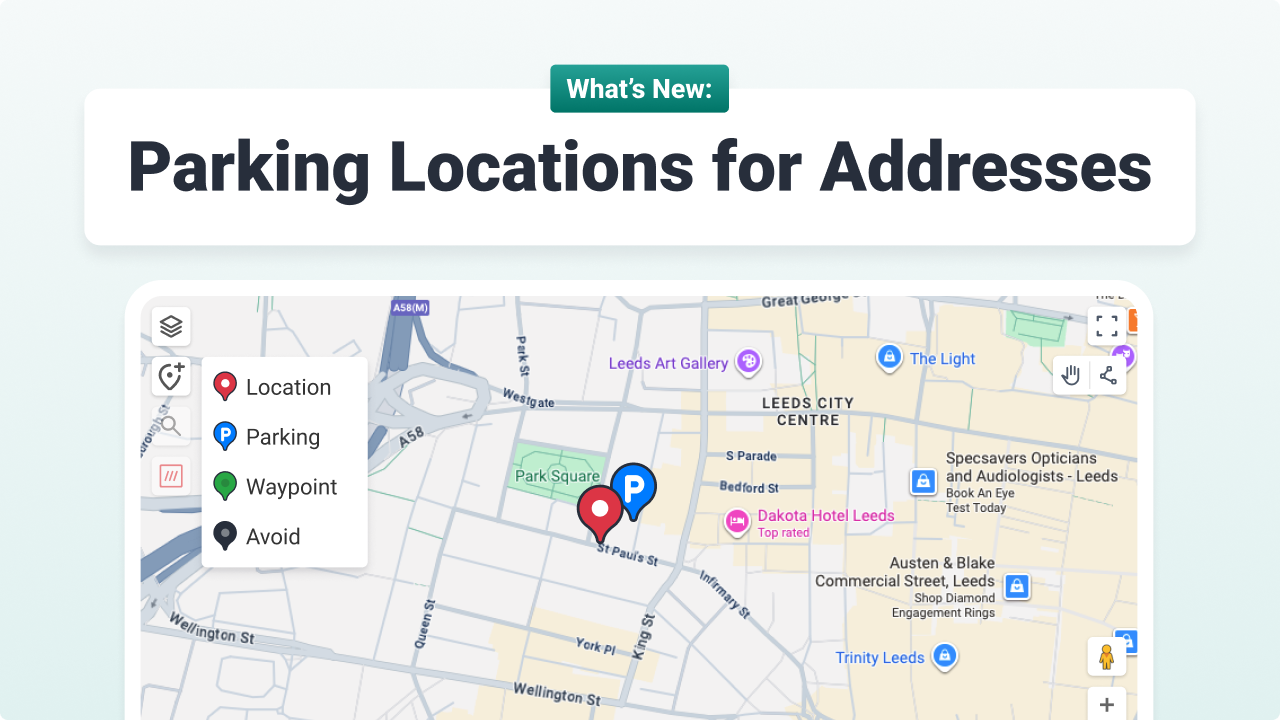
This is exactly why we’ve added the ability to specify a parking location against a customer address.
What are Parking Locations in Stream?
Parking Location is a new map pin that you can add to a customer delivery location.
They allow you to specify a location, which is different from the delivery location, where the driver can park their vehicle for that particular stop.
Benefits of Parking Locations
‘Why would I use Parking Locations?’ we hear you ask. Well, there are several great reasons:
- Prevent your drivers from arriving at a delivery location, only to then waste time and money as they drive around trying to find an appropriate place to park
- Keep your delivery runs on schedule, as drivers know exactly where they can park as soon as they navigate to each stop
- Avoid fines for parking in unsuitable or restricted locations
- Remove reliance on tribal knowledge stored in drivers’ brains, as any new drivers, or drivers covering shifts, will also have access to the parking location details
Use Cases
Examples of when you might use a parking location on an order include:
- When the delivery location is in a pedestrianised area and the vehicle needs to be parked at an alternate location
- When delivering to an institution, such as a hospital, where vehicle access is limited and the goods are walked to a specific zone after parking
- When the area of the delivery location has strict loading times
- When the delivery location is in a residential area with one-way streets and/or limited/no parking
- When delivering goods such as fuel, where the vehicle needs to be left near the pump, but the driver is required to check in elsewhere on arrival
How do I add a Parking Location?
For details on how to add a Parking Location to a customer address in Stream, check out our knowledge base article Customising map pins on a customer address.